
Happy Holidays! Take the Opportunity to Create AI-Generated Christmas Images
Use Artificial Intelligence to Create Unforgettable Moments This Christmas

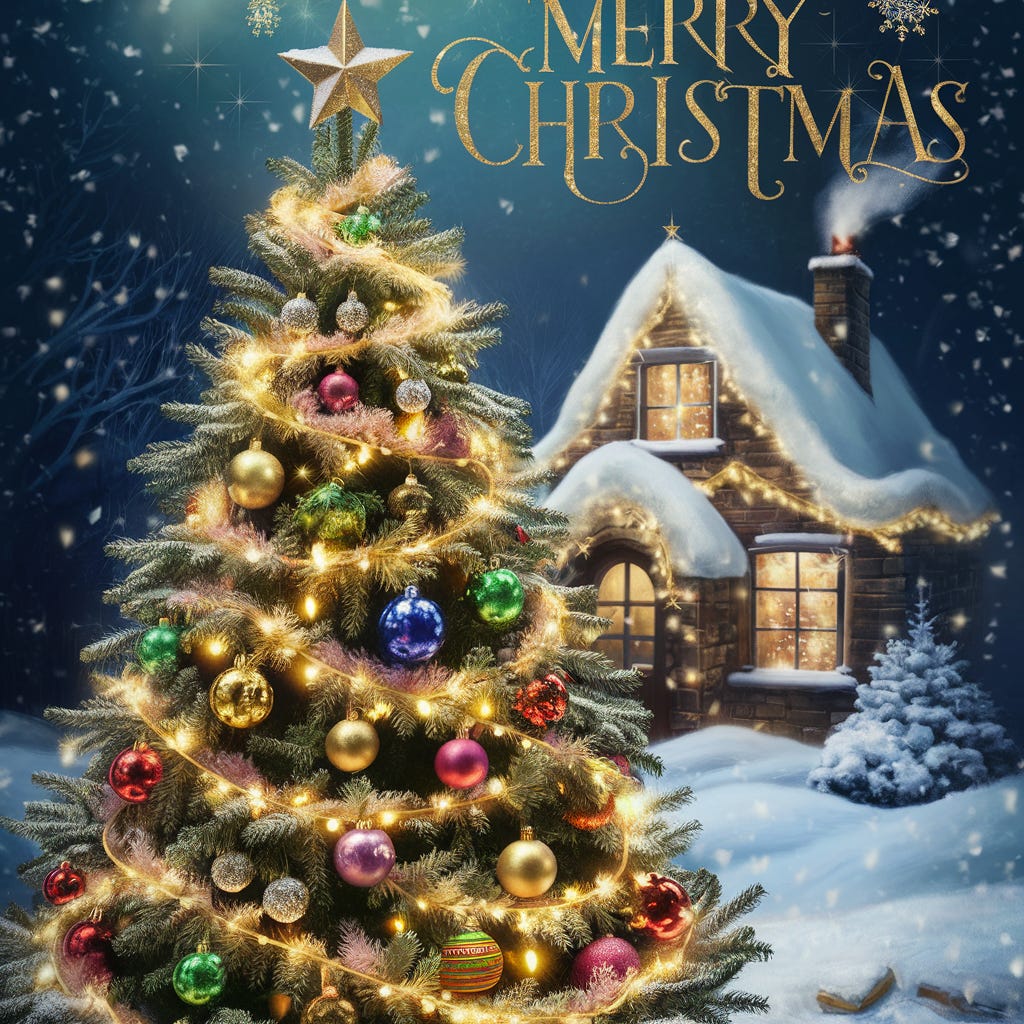
Hello Everyone!
I'm taking a short break from our series on Machine Learning Algorithms to wish you all Happy Holidays! May this Christmas be filled with joy, peace, and lots of positive energy!
First, I want to take this moment to thank all of you who follow the blog for your incredible support and trust. It’s because of your encouragement that I can continue this journey, and for that, I’m deeply grateful!
Now, let’s make the most of this Christmas season and learn how to create special images using Artificial Intelligence!
If you’ve ever thought about customizing your holiday cards or creating unique images to gift your friends and family, this is the perfect opportunity.
AI Techniques for Image Creation
The three main techniques for AI-generated image models are:
1. DALL·E 3
DALL·E 3 is an image-generation model based on the Transformer architecture, similar to language models like GPT. It’s trained to understand and generate images from textual descriptions.
It uses deep learning techniques, particularly an attention-based neural network adapted for images. By training on large datasets of text-image pairs, it can create new images based on text prompts.
DALL·E 3 combines autoregressive models (which generate output sequentially) with advanced machine learning methods to produce images matching specific descriptions. It also employs attribute fusion techniques, allowing the model to manipulate various image elements, such as adding objects or altering backgrounds.
2. MidJourney
MidJourney is a model designed for creating artistically driven images, utilizing diffusion and Transformer approaches.
Its focus is on artistic styles and creative image manipulation. It’s built to generate aesthetically high-quality images, making it a favorite in digital art communities.
MidJourney uses diffusion models to create images, starting with initial noise and applying iterative steps to refine the image. This model captures artistic styles and manipulates visual patterns, enabling users to create images ranging from realistic to abstract themes.
3. Stable Diffusion
Stable Diffusion is an open-source latent diffusion model designed to generate high-quality images from text. It uses a convolutional neural network combined with latent diffusion techniques to produce images efficiently.
This technique starts with noise and progressively refines it over multiple stages. Unlike traditional diffusion models, Stable Diffusion operates in a compressed latent space, making the process more efficient.
By using a U-Net architecture (a convolutional network for segmentation) and variational autoencoders (VAEs), Stable Diffusion transforms noise into realistic images through an iterative refinement process.
Creating Images with AI
There are many powerful tools available to create amazing, personalized AI-generated images, often using one of the techniques mentioned above.
In this post, we’ll focus on Ideogram AI, a robust platform that generates realistic images from textual descriptions. It’s perfect for creating detailed, high-quality visuals.
With an intuitive interface, Ideogram AI offers 10 free credits per day, allowing the creation of up to 40 images on the free plan.
Note: This post is not sponsored! I selected this tool based on personal experience, but there are many other platforms with similar capabilities you can explore.
Although Ideogram AI does not publicly disclose all its technical details, it’s widely recognized as a platform leveraging cutting-edge diffusion technologies to create realistic and creative images from text prompts.
Steps to Get Started
1. Log in at https://ideogram.ai/, using a Google or Apple account for authentication.
2. Complete your profile setup.
3. Click on “Start Creating” to begin crafting your images.
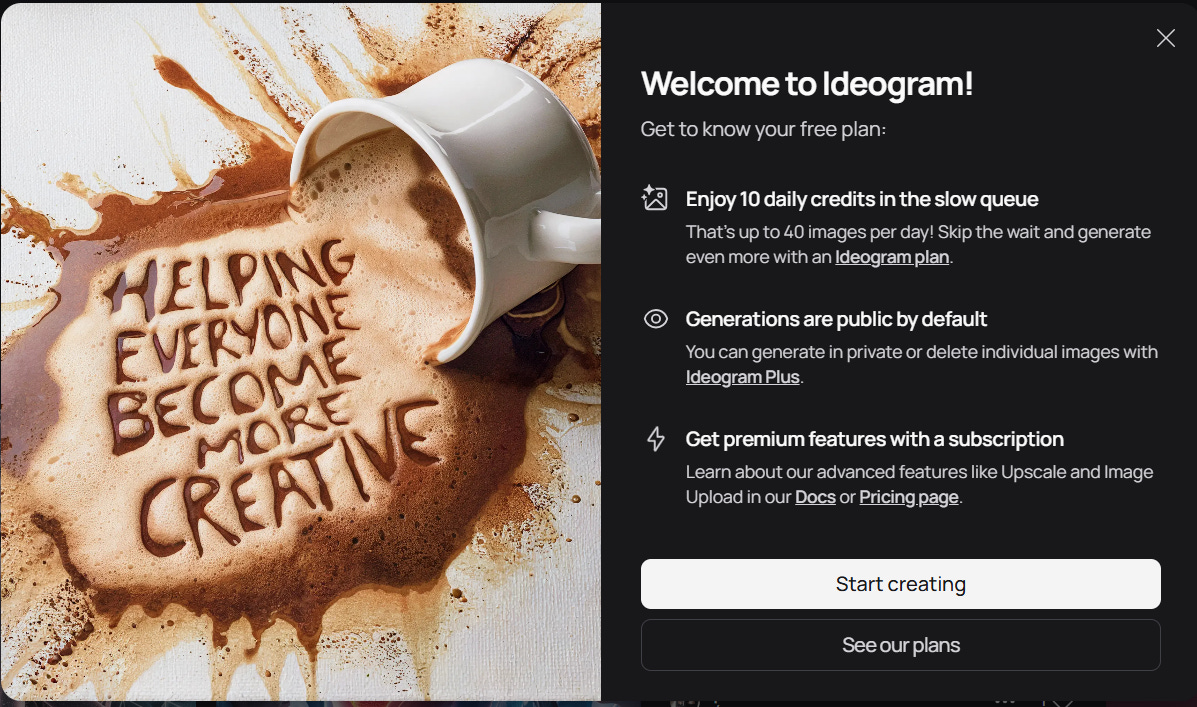
4. Click the “Generate” button, and the screen below will open:

5. Simply enter a prompt with the description of the image you want and click “Generate”. There are various configuration options, and if you prefer, you can explore the documentation to dive deeper into the tool’s settings.
Examples
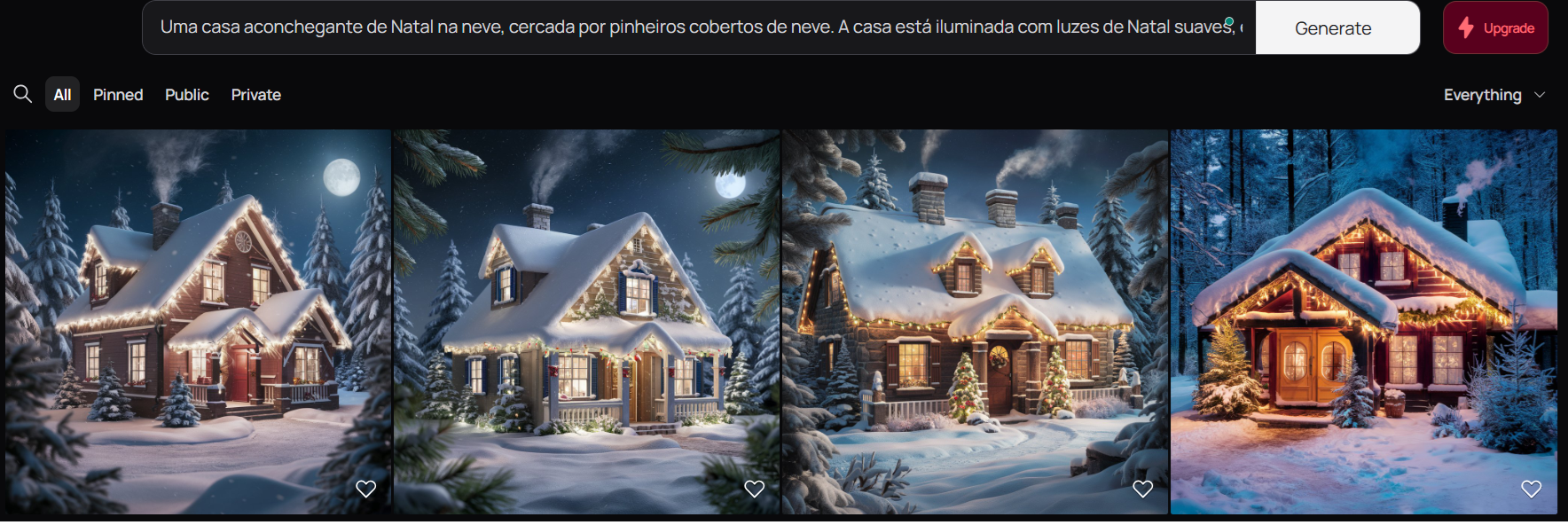
Prompt:
A cozy Christmas house in the snow, surrounded by snow-covered pine trees. The house is lit with soft Christmas lights, and smoke is coming out of the chimney. The environment is warm, with windows reflecting the soft interior light. The scene is realistic, with snowflakes gently falling in the background, creating a peaceful and festive atmosphere. The sky is starry, and the moonlight illuminates the snow-covered landscape.Results:
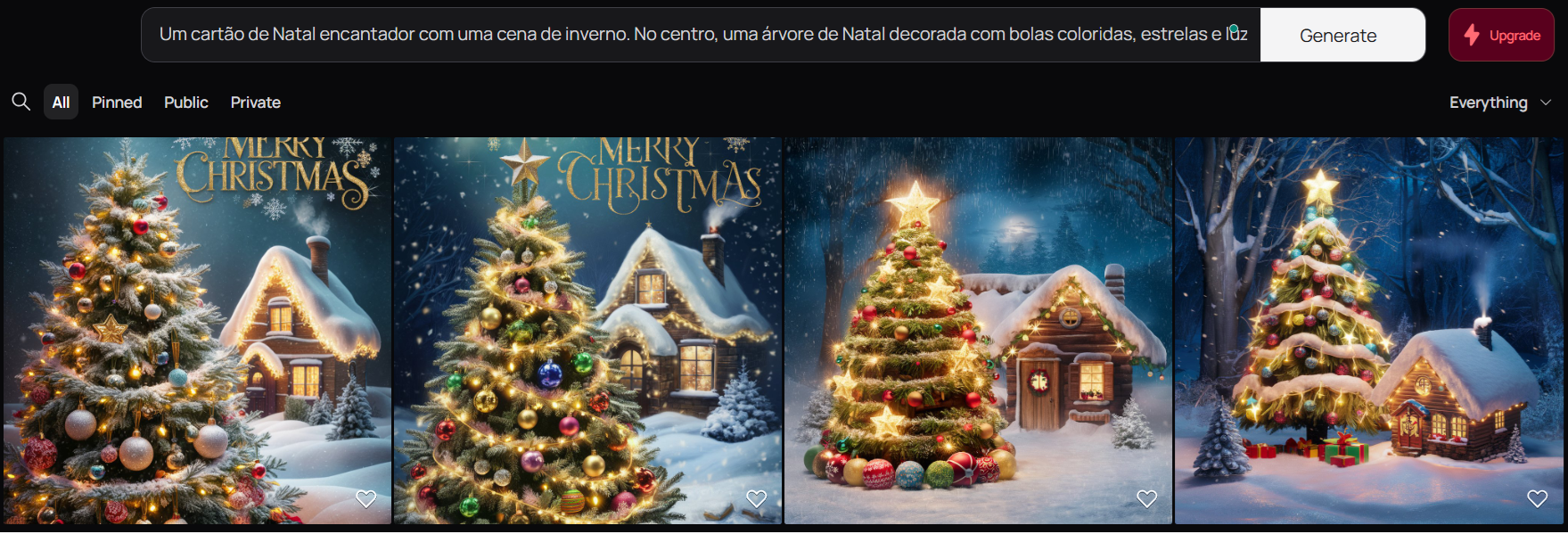
Prompt:
A charming Christmas card with a winter scene. In the center, a Christmas tree decorated with colorful baubles, stars, and bright lights. In the background, a small snow-covered house with golden lights flickering in the window and a chimney releasing smoke. The snow falls gently, creating a magical and cozy atmosphere. At the top, a title with elegant letters saying 'Merry Christmas' in golden font. Snowflake details around and a touch of sparkle to give a festive effect.Results:
Prompt Suggestions:
Here are 4 prompt suggestions you can use to create Christmas images with Ideogram AI:
Prompt 1: "Create an image of a Christmas card with a decorated Christmas tree, snow gently falling, and a bright star at the top, all illuminated by twinkling lights, with a cozy and festive style."
Prompt 2: "Create a Christmas scene with a happy family gathered around the fireplace, decorated with red and green stockings, Christmas lights, and presents under the tree."
Prompt 3: "Generate an image of a minimalist Christmas card with a dark blue background, soft snowflakes, and an elegant pine branch with a red ribbon."
Prompt 4: "Create a cozy Christmas scene with a festive dining table, traditional Christmas food, lit candles, and a window with a view of a starry sky and a snow-covered city."
These prompts will generate images that capture the essence of Christmas in a unique and personalized way, making your Christmas card even more special.
Conclusion
With Artificial Intelligence, we can create unique Christmas images and cards to share with family and friends.
It’s amazing to see how technology can even transform the way we celebrate the holidays.
I hope this guide has inspired you to create something special for this Christmas. Enjoy the holidays and have fun creating! ✨🎄
Stay tuned for the next post!